
CRM Implementation: The Guide I Wish I Had Before I Started
 By Tal Shmini
Let's Be Honest
"We need a CRM" - that's the sentence I hear most from business owners. And right after: "We tried once. It didn't work."
The truth? Most CRM implementations fail. Not because the system is bad. Not because the business isn't a fit. But because they start in the wrong place - they buy a system, enter data, and a month later they're back in spreadsheets because "it's too complicated."
After dozens of CRM implementations for small and medium businesses, here's what I've learned about what works - and what doesn't.
The Biggest Mistake: Choosing a System Before Understanding the Process
Most business owners start like this: "I heard Salesforce is good" or "A friend recommended HubSpot." They sign up, start entering contacts, and a week later realize the system doesn't work the way they expected.
Why? Because the system isn't the problem. The process is the problem.
Before touching a system, you need to answer simple questions:
- Where do your leads come from? (Website? WhatsApp? Facebook? Referrals?)
- What happens when a new lead comes in? Who handles it? How quickly?
- What are the stages in your sales process? (Inquiry → call → proposal → close?)
- Where do leads get "stuck" or fall through the cracks?
- What do you want to know at the end of each month? (How many leads? How many deals? From where?)
If you can't answer these questions - you're not ready for a CRM. And that's fine. The first step is mapping your process on paper, not buying software.
5 Steps to a CRM Implementation That Actually Works
Step 1: Map Your Current Process
Before anything - sit down and write exactly what happens today. Not what you want to happen, but what actually happens.
Real example:
Lead sends a WhatsApp message → business owner sees it when they have time (sometimes hours later) → responds → if the lead is interested, sends a proposal by email → waits → if no response, sometimes follows up, sometimes forgets → if they close, manually creates an invoice
Once you write this down, the problems are obvious: slow response, no systematic follow-up, follow-up depends on memory.
Step 2: Choose a System That Fits Your Size
You don't need a system with 500 features. You need one that does exactly what you need - and is easy to use.
For a small business (1-5 people):
- Pipedrive - simple, sales-focused
- HubSpot Free - great starter, strong automations later
- Airtable - if you think in spreadsheets
For a mid-size business (5-20 people):
- HubSpot - free to start, powerful automations
- Zoho CRM - comprehensive and affordable
- Salesforce - if you need enterprise-grade flexibility
The rule: A simple system everyone uses beats an advanced system only you understand.
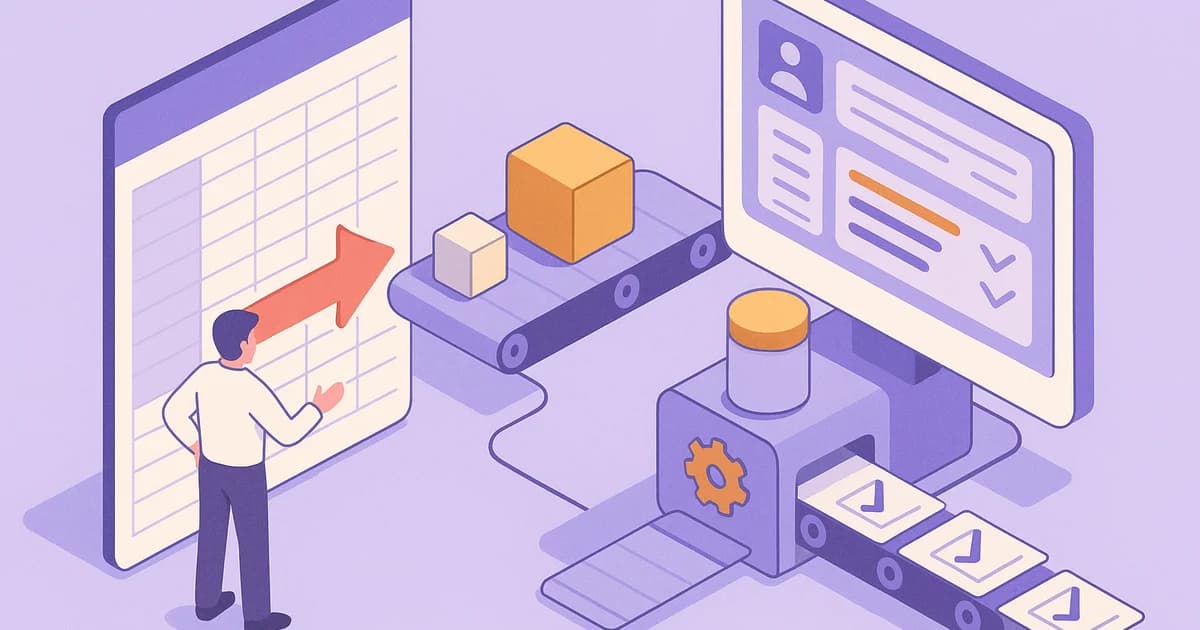
Are your leads falling through the cracks?
Stop managing sales in spreadsheets and WhatsApp. Let's build a simple, automated CRM process your team will actually use.
Step 3: Set Up Your Sales Pipeline
The pipeline is the heart of the CRM - it shows exactly where every deal stands.
Typical pipeline for a small business:
| Stage | What Happens | Who's Responsible |
|---|---|---|
| New Inquiry | Lead enters the system | Automatic |
| First Response | Initial reply within 5 minutes | Bot / rep |
| Discovery Call | Understanding the need | Sales |
| Proposal | Sending proposal | Sales |
| Negotiation | Follow-up and tracking | Sales |
| Closed | Signature and payment | Automatic + manual |
Tip: Don't create more than 6-7 stages. The simpler the pipeline, the more your team will use it.
Step 4: Automate the Boring Stuff
Once the system works manually, you can start automating:
Basic automations every business needs:
- New lead → automatic WhatsApp message "Got it, we'll get back to you shortly"
- Lead in "Proposal" stage for 3 days → reminder to sales rep
- Deal closed → automatic invoice + welcome message
- Lead unresponsive for a week → auto-move to "Archive" + final follow-up message
Tip: Don't automate everything on day one. Start with 2-3 critical automations, see that they work, then add more.
Step 5: Measure and Improve
A CRM without reports is a glorified contact list. The real value is in the insights:
What to measure:
- How many leads came in this month (and from where)
- Average response time to a new lead
- Conversion rate - from inquiry to call, from call to close
- How many deals are "stuck" for more than a week
- Which source is most profitable (Facebook? Referrals? Website?)
Tip: An automatic weekly report delivered via WhatsApp or email every Monday morning - that changes how you run your entire business.
3 Reasons CRM Implementations Fail
1. "The Team Doesn't Use It"
The most common reason. The business owner got excited, set up a system, and the team keeps working in WhatsApp and spreadsheets.
The fix: Don't force it - make the system the easiest way to do things. If an employee needs to fill in 15 fields per lead, they won't use it. If the lead enters automatically and the employee just clicks "Called" - they will.
2. "Too Many Fields, Too Many Screens"
Businesses that try to capture everything from day one - lead name, email, phone, address, birthday, source, lead score, deal type, stage, notes, history, and 20 more fields.
The fix: Start with the minimum: name, phone, source, stage. That's it. Add fields when you realize you actually need them.
3. "No Integration with Other Tools"
The CRM works in a silo. Leads are there, but WhatsApp is somewhere else, invoices in a third place, and reports in a spreadsheet.
The fix: Connect everything. A CRM that's connected to WhatsApp, email, your calendar, and your invoicing system - that's a CRM the team will actually want to use.
When Should You Implement a CRM? The Signs
Not every business needs a CRM right now. Here are the signs you're ready:
- You get more than 10 new leads per week
- More than one person handles customers
- You forget to follow up with prospects
- You don't know how many deals are "in the pipeline"
- You feel like leads are "disappearing" and you don't know why
If you checked 3 out of 5 - it's time.
What Does It Cost (and How Long Does It Take)?
The system itself:
- Systems like HubSpot and Pipedrive start at $0-50/month for a small business
- Monday starts at around $24/month per user
The implementation:
- Basic setup (system + configuration + training): 2-3 weeks
- With automations (bot, integrations, reports): 3-5 weeks
Return on investment:
- Most of our clients see results within a month - fewer dropped leads, faster response times, and a clear picture of what's happening in the business.
Bottom Line
A CRM isn't just another piece of software - it's how your business manages relationships with customers. When it works, you know exactly what's happening with every lead, every deal, every customer. When it doesn't - you're back to guessing.
The key isn't the system. The key is the process. Understand how you work today, build a simple pipeline, automate the boring stuff, and measure results.
Do it right - and the CRM will be the most important tool in your business.
Not sure which CRM is right for you? Book a free consultation and we'll go through your processes together - and recommend the solution that fits your business size and needs.
More articles on this topic

Related Services

Written by Tal Shmini
Founder of Toolip | Business Automation & AI
Want us to do this for you?
Let our experts handle the implementation while you focus on growing your business.