
System Integrations: Getting Your Business Tools to Actually Talk to Each Other
 By Tal Shmini
The Process That Repeats in Almost Every Business
I see this pattern again and again with businesses I talk to: they have a solid CRM, a decent invoicing tool, a clean digital calendar, and an active business chat line. Each tool does its job well on its own. The problem is none of them know the others exist.
A lead comes in through a website form. Someone has to copy it into the CRM by hand. The meeting gets booked on the calendar, but the calendar doesn't update the status in the CRM. The deal closes, and someone has to remember to open an invoice in a completely different system, typing all the same details in again from scratch. Three systems, three rounds of typing the same information, and three places where a typo can happen.
I call this the "copy-paste tax" - the time businesses lose not on real work, but on moving information that already exists from one place to another. System integration is exactly the fix for this: getting the tools you already own to talk to each other, without you standing in the middle.
What Integration Actually Means, in Plain Terms
An integration is a connection between two (or more) systems, so that information updated in one automatically updates in the other - without anyone typing it twice.
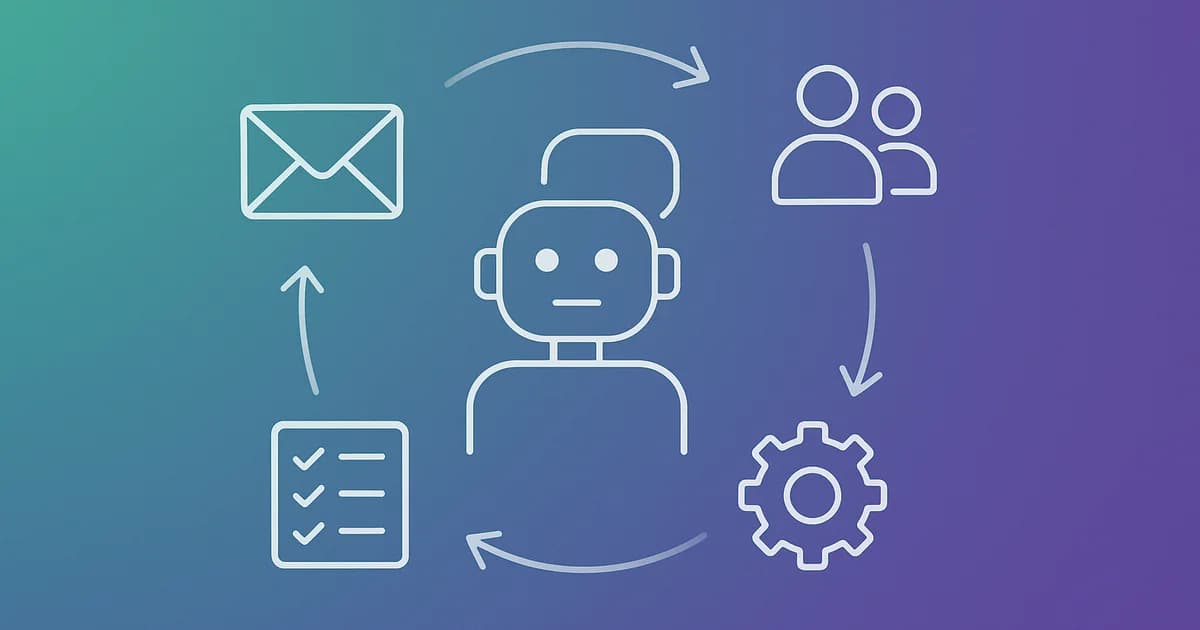
For example: a lead fills out a form on your website → they're automatically added to the CRM with all their details → they get an automated welcome message within a minute → once they become a customer, an invoice opens with the details that already exist in the system, no re-entry needed.
That's the whole idea. No magic, no mysterious AI - just plumbing that moves information for you instead of you moving it by hand.
What Connects Easily, and What Takes Real Work
The most common mistake I run into is the assumption that "everything can be connected, it's just a matter of time." That's only partly true. There's a real difference between types of integrations worth understanding before you start planning.
Easy to connect
Popular tools with an open API and good documentation connect fast. Well-known CRM platforms, common invoicing tools, automation platforms like Zapier or Make, and payment systems are all built from the ground up to work with other tools, and there's usually a ready-made connector or something close to it. A connection like this can take a few days.
Takes real work, but doable
Older systems, in-house software, or pairing two tools that nobody pre-built a connector for - here you need a custom bridge, usually through an API or a webhook. That's real setup and testing work, but in most cases it's achievable.
Not always worth it
Very old systems with no API at all, or closed tools whose vendor doesn't allow outside access, sometimes just can't be connected - or the cost of forcing a connection far outweighs the benefit. In cases like these, the most honest answer sometimes isn't "connect it by force," but asking whether that tool still fits the business at all.
How many tools do you have that don't talk to each other?
In a quick call, we'll go through which of your tools can be connected easily, how much time that actually saves you, and where it's not worth the effort.
The Cost Question: How to Know If It's Worth It
Not every connection is worth the effort. The question I ask in every consultation is simple: how many times a week does that manual transfer happen, and how long does it take each time?
A lead that comes in once a day and takes two minutes to copy over is nice to connect, but not urgent. A lead that comes in dozens of times a day, each one requiring manual entry into three different systems, is already dozens of minutes a day spent on work that adds zero value. That's where integration pays for itself fast.
There's also a cost to think about beyond time: the cost of mistakes. A lead entered incorrectly, an invoice with the wrong amount because someone copied it by hand from somewhere else, a deal that got forgotten because nobody updated the status - these are costs that are hard to measure in minutes, but they're real, and sometimes they're what actually justifies the investment.
When Integration Isn't the Right Fix
It's worth being honest here: not every "my systems don't talk to each other" problem gets solved by adding another connection. If the process itself isn't clear yet - if you're not sure exactly what should happen when a lead comes in, or the process keeps changing week to week - then connecting systems around an unstable process just moves the chaos faster between tools, instead of fixing it.
The same goes if the tools themselves aren't a good fit for the business - a CRM nobody enters data into correctly, an invoicing tool that doesn't match how you actually work. In that case, the first investment should be in fixing the tools themselves, not connecting them. Integration links good systems together. It doesn't repair a broken one, it just spreads the breakage faster.
What This Looks Like in Practice
A familiar scenario: a business with a lead form on its website, a CRM where every customer lives, and a chat line handling most customer communication. Before connecting anything, every new lead goes through three manual steps: someone notices the notification email, opens the form, copies the details into the CRM, and then sends a manual welcome message using a template they keep saved on their computer.
After connecting the form, the CRM, and the chat system, that whole sequence happens automatically within seconds of the lead hitting "submit." No delay, no dependency on someone noticing the notification, and no risk of a detail getting entered wrong. The team receives the lead already sitting in the system, ready to work - instead of losing the first, most critical minutes to data entry.
That's not an edge case. It's exactly why integrations tend to be one of the most cost-effective projects a business can take on - they don't require replacing any tool you already use, just getting the tools you already have to work together.
How We Approach This at Toolip
Our consultations on integrations start with mapping: which tools exist in the business, where information currently moves between them, and how much time that actually costs. From that mapping comes a clear list - what's easy to connect and pays off immediately, what takes work but is worth it, and where it's better to invest first in fixing the tools themselves before connecting them.
We don't start from "let's connect everything." We start from the connection that will save the most time relative to the effort, and build from there.
Bottom Line
System integration isn't a complicated technical project only large companies can afford. It's a straightforward, usually affordable connection that saves small businesses hours of repetitive typing and prevents mistakes that cost real money. The question isn't whether it can be connected, in most cases it can, but which connections are actually worth it for you, and in what order to build them.
How many hours a week does your team lose moving information between systems by hand? Book a free consultation - we'll map your tools and show you exactly which connections will give you the highest return on your investment.
More articles on this topic


Related Services

Written by Tal Shmini
Founder of Toolip | Business Automation & AI
Want us to do this for you?
Let our experts handle the implementation while you focus on growing your business.