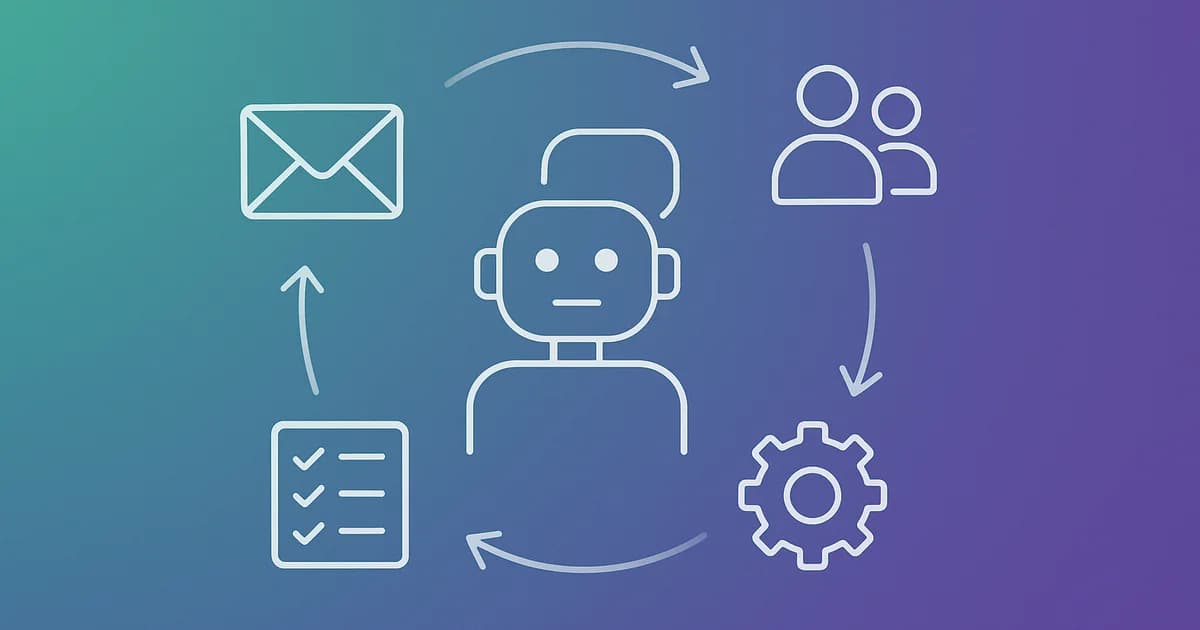
AI for Business in Practice: 7 Uses That Already Work Today (No Buzzwords)
 By Tal Shmini
A Simple Question Worth Asking Before Any AI Conversation
The average business owner spends a few hours a week on tasks there's no real reason for them to be doing personally: answering the same question in chat for the hundredth time, writing up a summary of a sales call so they don't forget what was agreed, hunting for a customer's details across three different places. The question worth asking isn't "does AI have a future in my business," it's "which of these tasks can I take off my plate today, without waiting for any revolution."
The answer, right now, is a genuinely short and unmysterious list of specific uses. Not "AI will do everything," but focused tools that each solve one problem well. Here are seven that already work.
So What Actually Works Today, and What Does It Save in Practice?
Before getting into the list, it's worth saying clearly: every use here is one tool solving one defined problem, not a generic "AI system" that does everything. That's the difference between AI that produces a measurable business result and AI that impresses in a demo and gets forgotten a month later.
1. First-Response Chat and Messaging - In Seconds, Not Hours
An AI agent that recognizes an incoming inquiry, answers common questions, collects the relevant details, and books a follow-up call - all before anyone on the team has to touch it, until the lead is actually ready for a human conversation. Businesses that move from manual to automated first response typically see a meaningful drop in response time, and that's often the difference between a lead that closes and one that goes to whichever competitor answered first.
Realistic savings: up to a few hours a day that would otherwise go to manually answering the same recurring questions, depending on inquiry volume.
2. Automatic Call and Email Summaries
After a sales call or client meeting, an AI tool can produce a clean summary - what was agreed, what the next steps are, what's worth remembering - and drop it straight into the CRM. It sounds small, but it's exactly the task that keeps getting postponed and then forgotten entirely, taking useful details that could have closed a deal down with it.
Realistic savings: up to 20-30 minutes after every significant call, time that usually just doesn't happen without the tool.
3. First-Draft Emails and Quotes
Not writing on your behalf, but preparing a first draft you edit and send. A reply to a customer, a quote draft based on a standard template, a follow-up email after a meeting - these are all tasks where the "hard part" is starting to write, and that's exactly what AI does well.
Realistic savings: up to half the time it currently takes you to draft recurring documents of a similar type.
4. Scheduling Meetings Without the Email Back-and-Forth
An AI tool that coordinates availability, sends invites and reminders, and handles changes saves the "what time works for you" back-and-forth that can eat three emails and two days. It's not the most impressive use case, but it's one of the best in terms of effort versus payoff.
Realistic savings: up to an hour a week for each person on the team who regularly schedules meetings with clients.
Want to know which of these uses actually fits your business?
In a quick call, we'll walk through your processes and show you exactly where AI can save real time, and where it's better left in human hands.
5. Sorting and Tagging Incoming Inquiries
When inquiries come in through several channels - chat, email, a website form - AI can sort them by urgency and topic and route them to the right person, instead of someone manually going through everything first thing every morning. Especially relevant for businesses with more than a few dozen inquiries a week.
Realistic savings: depends on volume, but usually tens of minutes a day that would otherwise go to manual sorting alone, before anyone even starts handling the content of the inquiry.
6. Turning Reports and Data Into One Clear Takeaway
Instead of reading a ten-page sales report, AI can condense it into a few sentences: what went up, what went down, what needs attention. It doesn't replace real business analysis, but it saves the "read everything to find what matters" step.
Realistic savings: up to 15-20 minutes every time you'd otherwise have to go through a long report or data file.
7. First Drafts for Marketing Content
A social post, a product description, a newsletter draft - AI produces a first version you edit and shape into your brand's voice. It's worth stressing: this is a starting point, not a finished product. Content that goes out straight from AI without human editing tends to read exactly that way.
Realistic savings: up to half the writing time, provided there's human editing afterward - that step isn't optional.
The table below lines all seven up together, to make it easy to compare and see where it pays off most to start:
| Use | What it solves | Realistic savings |
|---|---|---|
| First response in chat/messaging | Slow response time to leads | Up to a few hours a day |
| Call and email summaries | Details forgotten after a call | Up to 20-30 minutes per call |
| Draft emails and quotes | Time spent drafting recurring documents | Up to half the writing time |
| Meeting scheduling | Email back-and-forth over availability | Up to an hour a week per person |
| Sorting incoming inquiries | Multiple channels with no order | Tens of minutes a day |
| Report summarization | Long reading time to find one insight | Up to 15-20 minutes per report |
| Marketing content drafts | The blank-page barrier | Up to half the writing time |
Read the table for what it is: these are upper-bound estimates ("up to"), not a guarantee. Actual savings depend on your inquiry volume, process complexity, and how well the tool is implemented - a good tool that isn't properly built into the workflow saves nothing.
What AI Still Doesn't Do Well, and Why That Matters
This is exactly where the anti-hype the title promised comes in. AI is good at defined tasks with clear input and clear output. It's less good at sensitive negotiation with an upset customer, decisions that require deep familiarity with a specific customer's history, or any situation where a mistake is costly and there's no time to double-check. That's still where the human touch is the competitive advantage, not the obstacle.
A business that tries to automate everything, including the parts that require human judgment, usually finds out the hard way: customers who feel like they're talking to a wall, mistakes that wouldn't have happened if someone had checked. The simple rule: the more a task repeats in a similar way and the lower the cost of a mistake, the better a fit it is for AI. The more unique the situation and the more significant the consequence, the more the human touch stays the right call.
How to Choose Where to Start
You don't need to roll out all seven at once, and you shouldn't. The right approach is to pick the task that eats the most time today and is the easiest to define clear rules for - and start there. Once you see a measurable result on one task, it's a lot easier to decide where to expand next.
Three questions that help you pick well:
- How many times a week does this task happen? The more it repeats, the faster the AI pays for itself.
- Can I write its rules down on one page? If the answer is "it depends on the customer's mood," that's not the first task to start with.
- What happens if the AI gets it wrong here? A task with a cheap, quick-to-fix mistake (a draft email reviewed before sending) is a safer starting point than one where a mistake reaches the customer directly with no check.
Whichever task best answers these questions, not necessarily the most impressive-sounding one, is usually the right place to start.
How We Approach This at Toolip
In a consultation, we don't start with a list like this one and ask "which of these sounds good to you." We start with your actual processes: where the time goes, where mistakes happen, and where the human touch is genuinely part of the value you deliver to the customer. Only then do we match a tool to the problem, not a problem to the tool.
Sometimes that means a new AI agent. Sometimes it means simple automation with no language model involved at all, because the problem is a lack of order in the process, not a lack of artificial intelligence. And that distinction, between "let's bring in AI" and "let's fix the most expensive problem in your business," is exactly what separates a project that impresses in a demo from one you actually see on the bottom line.
Bottom Line
AI for business in practice isn't a one-time "revolution" - it's seven focused tools, each solving a specific problem and saving real time, if you pick the right place to use them. The rule that guides it: a repeating task, clear rules, low cost of a mistake - that's an excellent candidate. Everything else, think it through first.
Want to know which of these uses actually fits your business? Book a free consultation - we'll walk through your processes together and show you exactly where AI can save real time, and where it's better left in human hands.
More articles on this topic

Related Services

Written by Tal Shmini
Founder of Toolip | Business Automation & AI
Want us to do this for you?
Let our experts handle the implementation while you focus on growing your business.