CRM With Built-In AI: What It Actually Gets You and What It Costs
 By Tal Shmini
A Familiar Scenario for Anyone Who's Compared CRM Platforms Recently
A familiar scenario: you're looking at two tiers of the same CRM. One standard, one "with built-in AI" - priced tens of dollars higher per user per month. The marketing page is full of phrases like "smart insights" and "AI-powered automation," but it's hard to pin down exactly what you're getting for the price gap.
This isn't an isolated case. "Built-in AI" has become a price tag stamped on nearly every piece of software, and this is exactly the moment to break it down into real components: what AI inside a CRM actually does, which of those capabilities are worth paying for, and which are mostly a nice label on a feature that already existed.
What Does "CRM With Built-In AI" Actually Mean?
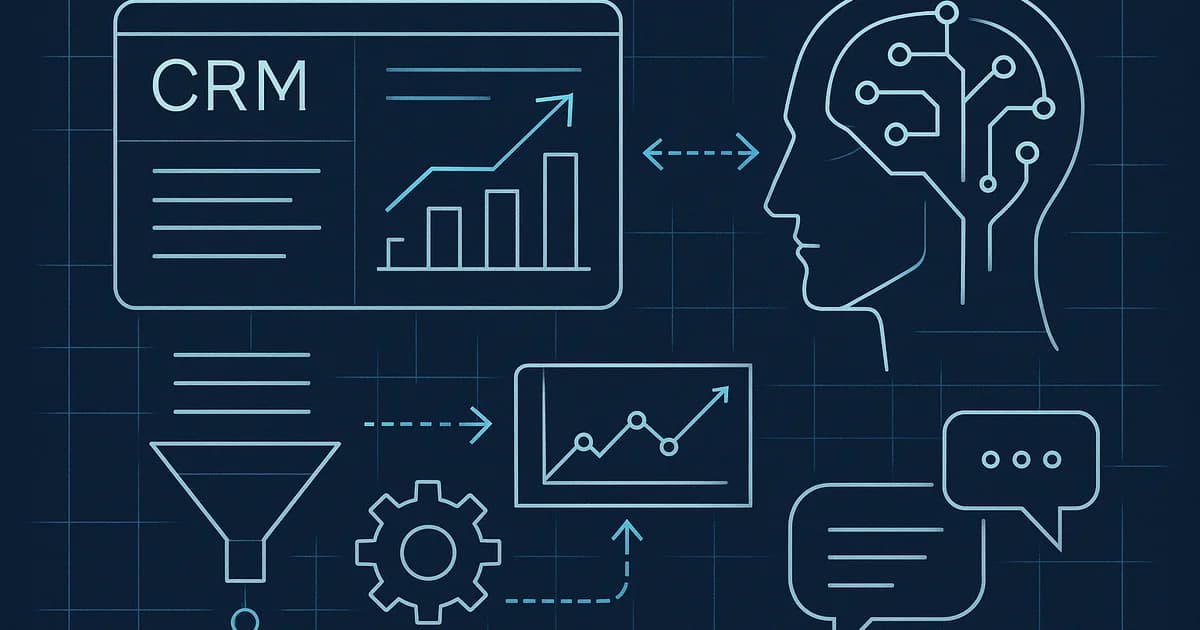
A CRM with built-in AI is a customer management system that adds a natural-language processing layer on top of the data it already holds - calls, emails, statuses, and customer history - and turns that into output a human rep would otherwise have to produce by hand: a call summary, a lead score, or a drafted reply. The difference from a "regular" CRM isn't that it holds more data, it's that it does more work on that data before it reaches you.
That's the technical definition. The real business question is different: which of these capabilities save genuine time, and which are mostly for show.
3 Capabilities That Genuinely Earn the Upcharge - and Where Their Limits Are
1. Automatic Call Summaries
What it gets you: After a call or chat, the system generates a short summary instead of a rep writing one by hand. For a business handling a high volume of inquiries, this saves real time and keeps the customer history organized even when the rep is slammed.
Where the limit is: A summary is only as good as the conversation it's summarizing. A messy call that jumps between topics produces a messy summary. It's almost always worth having a rep skim the summary rather than trust it blindly - especially for details that shape what happens next, like a promised price or a follow-up date.
2. Lead Scoring
What it gets you: The system ranks leads by likelihood to close, based on behavior patterns - how fast they reply, which pages they viewed, how many times they've returned to the site. That helps a sales team know who to prioritize instead of treating every lead the same.
Where the limit is: Lead scoring is only as good as the data it learns from. A newer business with little customer history will get a less accurate score, because the system doesn't have enough examples to learn from yet. And even an accurate score doesn't replace human judgment on borderline cases - it's a prioritization tool, not a final verdict.
3. Drafted Replies
What it gets you: The system suggests a draft reply to an incoming email or message, and a human rep edits and sends it. This meaningfully shortens the time from an inquiry landing to a response going out, without giving up human control over what actually leaves the business.
Where the limit is: A draft is a starting point, not a final answer. A reply sent without editing can sound generic or miss a nuance the customer mentioned. Most businesses that use this well keep a human edit step before sending, even if it only takes a few seconds.
The common thread across all three: they save time on work a person would otherwise do by hand, but none of them is meant to run without a human eye checking the output. AI inside a CRM is a tool that speeds up your team, not a replacement for it.
Not sure if a CRM with built-in AI is worth the extra cost?
In a free consultation, we'll go through the capabilities you actually need and tell you honestly where AI earns its price tag and where it's mostly a marketing label.
What Does It Actually Cost?
SaaS CRM platforms with AI capabilities usually price it as a separate layer: tens of dollars per user per month on top of the base price, sometimes bundled into a higher tier that includes other features too. The exact price varies between vendors and shifts over time, so it's worth checking a current quote with the specific vendor before deciding - not relying on a number you heard six months ago.
With a custom-built CRM, the picture is different: the cost isn't a fixed monthly subscription but a one-time development cost for the specific capability you need - say, just lead scoring, without the rest of the bundle. That can work out more cost-effective for a business that knows exactly which two of the three capabilities it will actually use, and less cost-effective for someone who wants to try everything and see what sticks.
Is Built-In AI Worth Paying For, or Better Added Separately?
The answer depends on how many inquiries you handle per day, not on how impressive the AI looks in a demo. A business with a low daily inquiry volume that would benefit more from a well-defined sales process usually won't feel a meaningful difference from built-in AI - the time saved is simply too small to justify the upcharge. A business handling dozens of inquiries a day, on the other hand, can save real hours of work every week just from call summaries and drafted replies.
A simple rule of thumb: if you still can't answer "how many inquiries do we handle per day," that's a sign to fix the underlying process first and only then check whether built-in AI is worth the upcharge. Adding an AI capability on top of an unclear process just produces unclear output faster.
How We Approach This at Toolip
In the CRM projects we build, we don't start from "let's add AI" - we start from which specific capability would save you real time, and only then check whether it's worth building custom or picking up an existing system with that capability built in. Sometimes the honest answer is that AI isn't worth the investment yet, and that's fine - better to build an organized data foundation first, and add an AI layer once there's enough inquiry volume to justify it.
Bottom Line
"Built-in AI" in a CRM doesn't have to stay a magic word on an invoice. Call summaries, lead scoring, and drafted replies are three real capabilities with real value - when there's enough inquiry volume to justify them, and when there's still a human eye reviewing the output. The right question before paying for the upgrade isn't "is this AI," it's "how much time will this actually save us this month."
Not sure if a CRM with built-in AI is worth paying more for, or what fits your business better? Book a free consultation - we'll walk through the capabilities you actually need, together.
More articles on this topic

Related Services

Written by Tal Shmini
Founder of Toolip | Business Automation & AI
Want us to do this for you?
Let our experts handle the implementation while you focus on growing your business.